 File size: 36.7 MB
系统配置要求:Windows 10、Windows 11
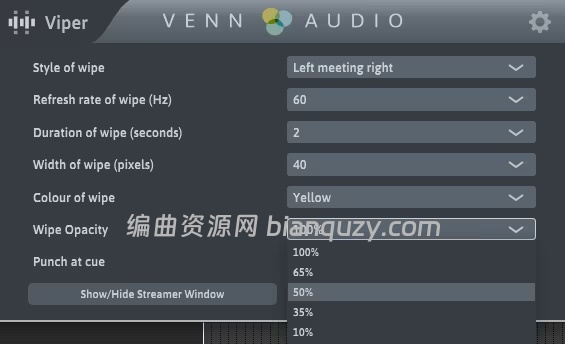
Viper is a simple plugin for overlaying visual cues onto your video to cue your actor or Foley artist. If you are still cuing actors with beeps or using out-of-date software to overlay wipes, please consider Viper to improve your workflow.
Viper is a tool for ADR and Foley recordists working to picture. It is a simple plugin for overlaying visual cues onto your video to cue your actor or Foley artist. Like other ‘streamers’ software, it is triggered by midi notes in your DAW, but it sits in your template, ready to go when you start your session.
Simple to use, ready-to-go, yet customizable and flexible – if you are still cuing actors with beeps or using out-of-date software to overlay wipes, give Viper a free try.
Viper is heavily used in Avid Pro Tools, and is known to work in other DAWs but if you wish to use Viper in Logic Pro, you will need to run in Rosetta mode. Please try before you buy to make sure Viper works well for you.
System Requirements: Windows 10, 11