File size: 96 MB
Total Audio Converter,CoolUtils 出品 Windows 端全能音频转换工具,支持批量音频转码,无需生成中间临时 WAV 文件,转换效率高;支持图形界面 GUI 与命令行调用,深度集成 Windows 资源管理器右键菜单,也兼容 iTunes。
支持格式
MP3、WAV、RMVB、MIDI、AMR、FLAC、M4A、OGG、WMA、APE、MP4、AAC、MPC、TTA、OPUS、SPX、WV、MOD、RAX、CDA 等三十余种音频格式。
核心功能
‑ 批量转换:可调整输出比特率、采样率;支持 CUE 分轨处理,可读取 CDDB 网络数据库自动补全 ID3 标签信息。 ‑ CD 抓取翻录:Audio‑CD 抓轨,把 CD 音轨导出为各类音频格式。 ‑ 网络媒体提取:提取 YouTube、SoundCloud 视频内的音频。 ‑ 音频合并:可将多个音频文件合并为单个音频文件。 ‑ iTunes 集成:转换完成后自动导入 iTunes 媒体库。 ‑ 内置播放器:转换前后预览音频;查看音频文件详细技术参数。 ‑ 右键快捷转换:资源管理器选中音频,右键直接调用转换,无需打开主程序。 ‑ 命令行模式,适合脚本自动化处理。 ‑ 转换过程直接转码,不生成临时中间文件,资源占用合理。
系统环境
Windows 2000 / 2003 / Vista / 7 / 8 / 10 / 11;提供多语言界面(含俄语);提供 30 天免费试用,一次性永久授权。
Total Audio Converter – is a unique converter that allows you to convert audio files of different extensions. Among them are MP3, WAV, RMVB, MIDI, AMR, FLAC and M4A. The program interface is quite easy and convenient . Thanks to the TreeView, you can view the complete list of files and folders in which they are contained in a directory tree . The main window of Total Audio Converter has several control panels , with which you can choose the size and source settings . The program supports batch conversion. Necessary for everyone who loves music . With it you can easily convert almost any tracks in WAV, MP3, OGG, WMA, APE, FLAC, MP4, AAC, MPC.
The program supports ID3 Tags and CUE files , convert audio tracks without creating an intermediate WAV file that runs in batch mode, a high-speed operation , at the end of the process allows you to play the file , and the availability of clear dvupanelnogo Russian-language interface to the window mate, provide easy and exciting process .
If desired, the program will find the name and fill the tags of tracks from the Internet CDDB database . All you need to do is select the source file (or files ) and press the button with the final format . To convert files , you can run a program or use the Explorer. Simply select the file to your desktop , open the menu by pressing the right mouse button and click Sonvert to. This is possible thanks to the fact that Total Audio Converter integrates into Windows. Use the program, even without running it !
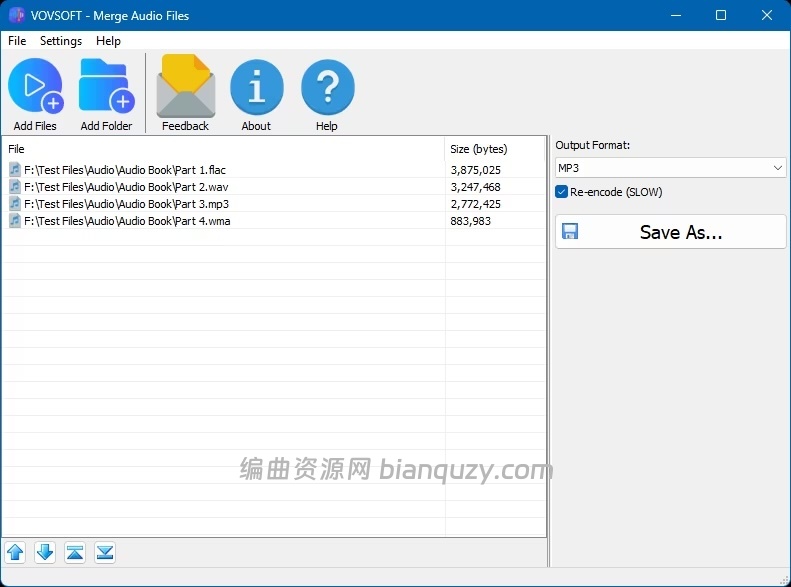
Of the key features of the converter can be noted integration with iTunes, thanks to which you can automatically add the converted file to the library program. Apart from the fact , Total Audio Converter allows you to merge all files in one album and set the sample rate . And that’s not all , with the application you can rip audio CD, download videos from YouTube and view detailed technical data on the track.
Despite the huge number of features , with its main task Total Audio Converter also handles “a great success “. In the process of converting an application very efficiently uses system resources without reducing their productivity too .
Features
Converts almost all audio formats: MP3, RAX, WAV, OGG, CDA, APE, MPC, WMA, FLAC, AAC, MP4, TTA, OFR, SPX, WV, MOD, AMR, Opus, MIDI, VQF.
Changes bitrate or frequency
Converts many files in batches
Converts music from YouTube
Converts music from SoundCloud
Has a high quality engine
Has integrated audio CD ripper
Can be run via command line
Direct conversion without temporary files
Built-in audio player
Integrates into Windows right-click menu
Very user-friendly
NIST Converter
AU Converter
MAT5 Converter
PAF Converter
TTA Converter
AUD Converter
VOX Converter
XM Converter
Homepage