File size: 317.6 MB
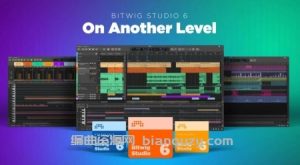
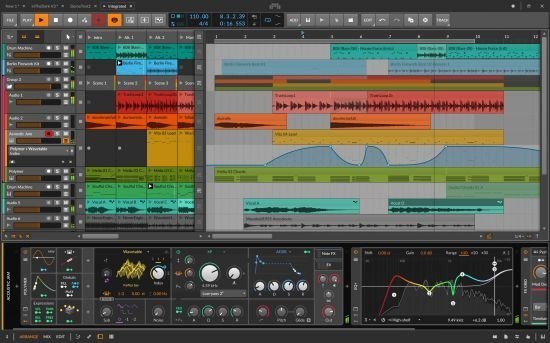
Bitwig Studio 6 takes a big step up, improving and expanding on the core DAW functions that you use every day. This major update brings you fresh and faster ways to work that will feel familiar. You’ll notice the difference right away: Bitwig Studio’s looks have been improved, and the visual interface is now easier to adjust to your needs. There are also countless changes under the hood, large and small.
It starts with an extensive upgrade to automation editing, which touches everything from smoother editing gestures to new behaviors such as spread and hold. You can also now work with automation in clips, opening up new possibilities that make intuitive sense.
Clip aliases offer a new way to handle repetition and structure in your music, while project-wide key signature helps guide your work with notes. New and improved tools, such as the Spray Can and Audition tool, join enhanced expression editing – for the fine details – and layered editing, for big picture work. All of these changes add up to a big improvement in the way you use Bitwig Studio 6 for fundamental music-making tasks.